

An exposed API token is not a reason to panic. However, it is a reason to act quickly.
TL;DR: Once an API token is public, treat it as compromised. First, rotate or revoke it so the leaked copy stops working. Then find every place it appeared and check usage for anything unexpected. Finally, move secrets out of source files so the same leak can’t happen again.
Maybe you committed it to a public repository. Or maybe it showed up in an example, a build log, a screenshot, or a pasted support request. Perhaps somebody else told you about it. In every case, though, the rule stays the same: once a token is public, treat it as compromised.
You don’t need proof that someone used it before you respond. Instead, you need to make sure nobody can use it again.
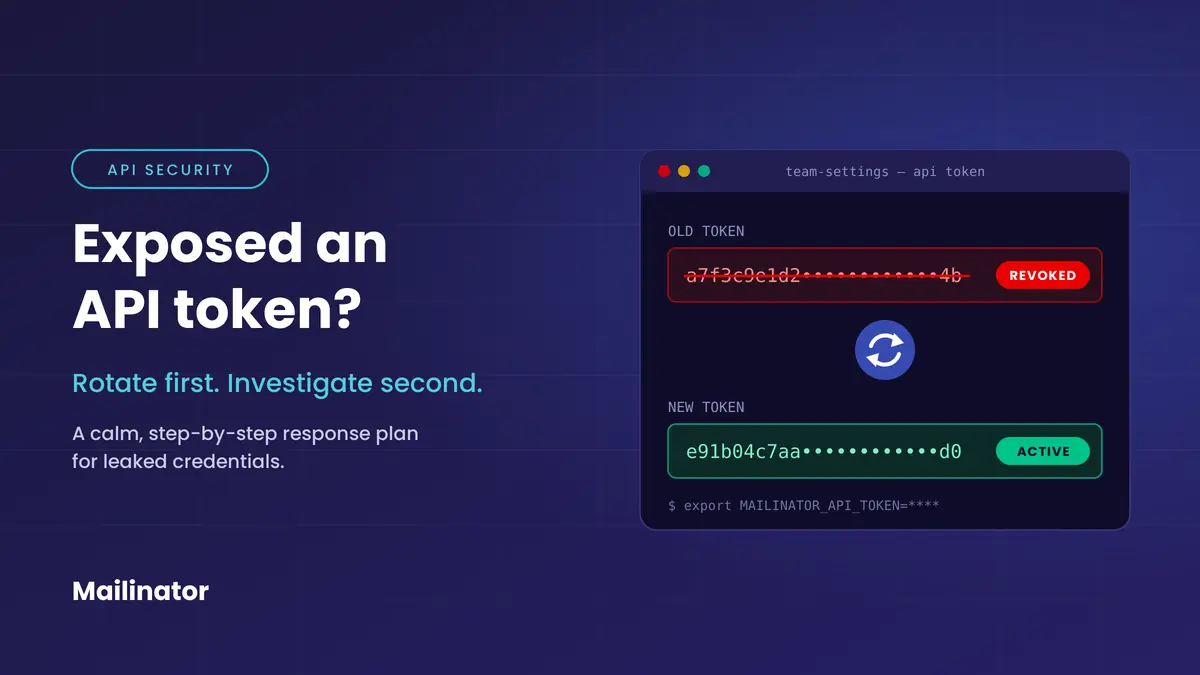
What should you do first with an exposed API token?
Rotate or revoke the exposed API token before you do anything else. Deleting it from a repository only hides it from now on. Rotating it, on the other hand, makes the leaked credential useless. So anyone who already copied it is left holding a dead key. In short, contain it first and dig in second.
How to rotate your Mailinator API token
Mailinator makes rotation quick:
- Go to Team Settings in your account.
- Next, find the API Token section and click Change.
- Then copy the brand-new token that Mailinator generates for you.
As a result, Mailinator revokes your old token right away, and the new one is ready to use. That’s it.
Where else could the token be hiding?
Start with the obvious places. If a deployment, test suite, or integration uses the token, find every spot where you configured it. Next, update each one with the new credential. Then confirm the application still works. For example, if your automated email tests read the token from a CI secret, update that secret before the next pipeline run.
After that, widen the search, because the first copy you found may not be the only one. Look in places such as:
- Current files in the repository
- Earlier commits and branches
- Forks, mirrors, and pull requests
- CI/CD logs and build artifacts
- Issue trackers, chat messages, tickets, and pasted code snippets
- Screenshots, docs, demos, and sample apps
- Local config files shared outside their intended audience
This isn’t about perfect certainty. Rather, it’s about knowing how far the leak spread and stopping the same mistake from happening again.
Also, if a third party reported the leak, keep the useful facts they gave you. That means where they found the credential, when they found it, and what they saw. That way, you can scope the incident without publishing those details.
Is deleting the exposed API token from Git enough?
No. Deleting an exposed API token from active files, or even scrubbing it from Git history, doesn’t make the old secret safe again. After all, any person, bot, or archive may already have a copy. Cleaning up history helps stop people from finding that copy. However, only rotation kills the token, and that’s why it always comes first.
So remove the token from active files and replace it with a safe setup, which we cover below. If it’s also in Git history, consider cleaning that up too. For instance, GitHub has a step-by-step guide to removing sensitive data from a repository.
How do you check whether a leaked token was used?
Once you’ve contained the token, figure out what the old one could do. Then look for signs of odd use while it was public. Ask yourself:
- What systems or private domains did the token give access to?
- What actions could it perform?
- Is there usage, audit, or request data for that time?
- Does anything look unexpected?
- Do customers, teammates, or service providers need to know?
Of course, the answers will differ by service and account. If you can’t see the right records, ask the provider what data they can share.
Checking usage in Mailinator
In Mailinator, this step is easy too:
- Open Stats in your account.
- Then review your recent usage for anything you don’t recognize.
And if you need to look back further than the page shows, the team stats API endpoint can help.
How do you stop API tokens from leaking again?
The long-term fix is usually boring, and that’s a good thing. Keep credentials out of source files and give each environment its own token. In addition, scan for secrets automatically and make rotation routine. When the safe path is also the easy path, people stop working around it.
In practice, that means:
- Keep tokens in environment variables or a secret manager, not in source files.
- Add local config files that hold secrets to
.gitignore. - Instead, commit a secret-free example config file with placeholder values.
- Use separate tokens for development, testing, and production where it makes sense.
- Also, limit each token’s access and lifetime where your provider supports it.
- Add secret scanning to your repositories and CI.
- Finally, make token rotation a normal, documented task rather than an emergency fix.
For example, a test suite that calls the Mailinator API should read the token from the environment, never from a committed file:
# .env (listed in .gitignore, never committed)
MAILINATOR_API_TOKEN=your-token-here

# .env.example (safe to commit)
MAILINATOR_API_TOKEN=replace-me

# In CI, the token comes from a pipeline secret
curl -H "Authorization: $MAILINATOR_API_TOKEN" "https://api.mailinator.com/api/v2/domains/YOUR_DOMAIN/inboxes/signup-test"
That way, rotating the token means changing one secret, not hunting through code. Our guide to testing transactional email in a CI/CD pipeline shows this pattern end to end.
Still, the goal isn’t a process so elaborate that people dodge it. Instead, the goal is to make the safe path the convenient path. For a deeper checklist, see the OWASP Secrets Management Cheat Sheet.
What if someone reports an exposed API token to you?
A report that says “we found an exposed credential” can come from a researcher, a customer, a platform, or an automated service. Either way, take it seriously, even if the report is short. Here’s a sensible way to respond:
- Confirm that you received the report.
- Next, rotate or revoke the exposed credential.
- Save the details they sent you.
- Then assess the likely impact.
- Finally, follow up once you have something meaningful to share.
You don’t need to over-explain or assign blame in the first reply. After all, the priority is containment.
The rule to remember
Public exposure alone is enough to retire a token.
Sure, that can feel like a hassle, especially when the token sits inside a working integration. Even so, swapping a token usually costs far less than guessing whether someone copied it, stored it, or used it.
Mistakes happen. Still, a fast, calm response turns an exposed API token from an open-ended risk into a routine fix.
Exposed API token FAQ
Do I need proof of misuse before rotating an exposed API token?
No. Public exposure alone is reason enough. Because you can’t know who copied the token, rotate it first and investigate afterward.
Does making a GitHub repository private fix a leaked API key?
No. Forks, clones, caches, and automated scanners may already have a copy. Therefore, rotate the key even after you make the repository private or rewrite its history.
How do I rotate a Mailinator API token?
Go to Team Settings, find the API Token section, and click Change. Mailinator then revokes the old token and creates a new one. So be sure to update every test suite and integration that uses it.
Who do I contact about a Mailinator security incident?
Email support@manybrain.com. Our team can help you size up the incident and answer questions about your account.
Need help from us, or have an incident to report? Just send us a message at support@manybrain.com.