

Email Testing and SMS Workflow Testing
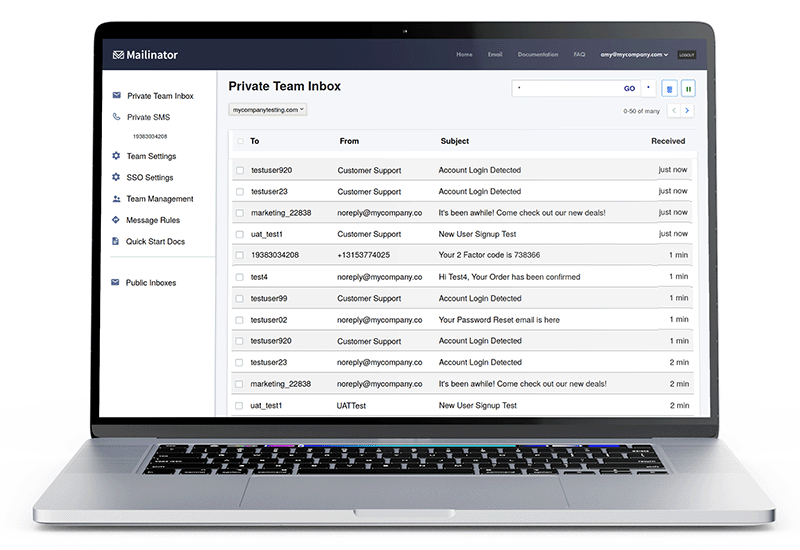
Mailinator is more than a temporary email address. Developers and QA teams use it to test sign-ups, password resets, and 2FA codes, with trillions of inboxes ready to go. Test by hand, through the API, or with Selenium, Cypress, Playwright, or Puppeteer. Either way, you see every message in real time.
TRUSTED BY











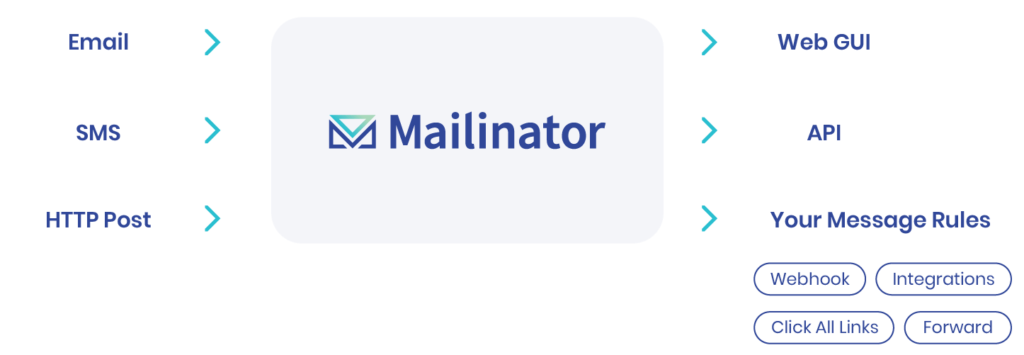
Mailinator is Your Private Message Routing System
QA Testing Teams and Developers around the globe use Mailinator to route email and SMS messages. In addition, the platform offers an ever-growing set of features, including webhooks and our API.
Application Features
Overall, Mailinator offers an array of features designed to make SMS and email testing easy and scalable.
Mailinator's Free Disposable Email
In fact, Mailinator still offers a 100% free, public temporary or disposable email address. As always, you can use any address @mailinator.com and check those public inboxes by entering the public inbox in the field below for email workflow testing.
How Mailinator Works
Every app sends email. Sign-up links, receipts, OTP codes, and password resets all need to arrive fast and look right. Mailinator gives you inboxes your tests can read, so you can check each message before real users do.
1. Send a test email to any address
Point your app at any address on a public or private Mailinator domain. There is nothing to create first. The inbox exists the moment mail arrives.
2. Read it in real time
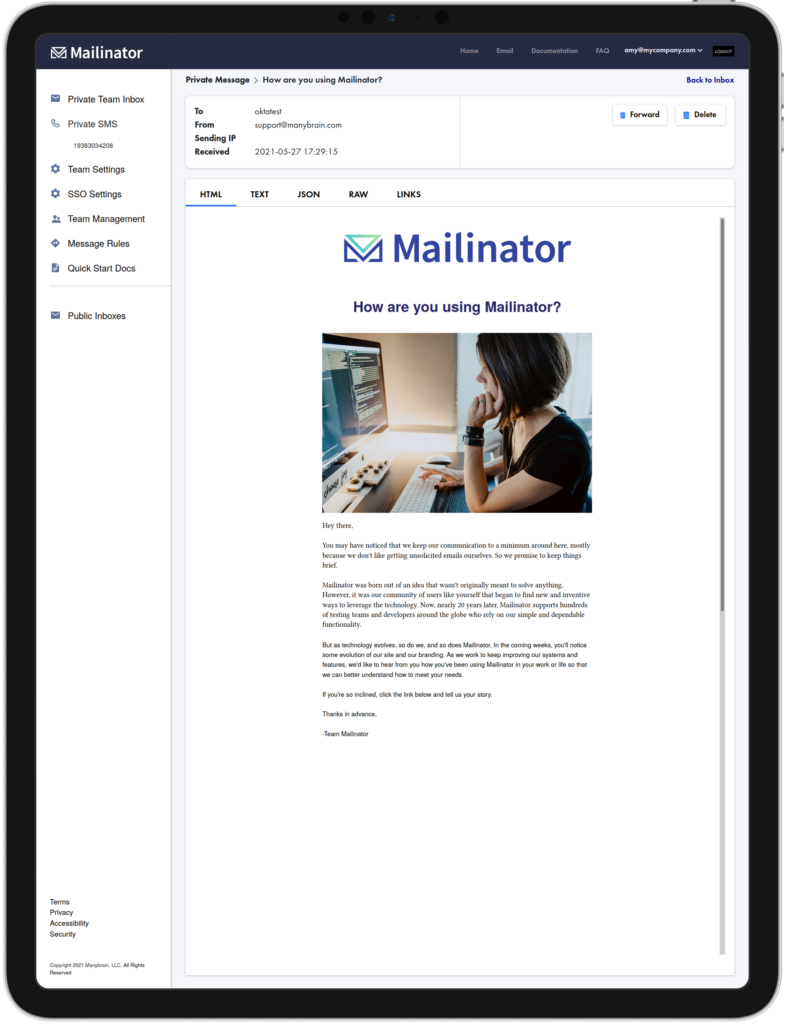
Open the message in the web UI, or pull it through the Mailinator API from your test suite. Grab the link, code, or attachment and assert on it.
3. Automate the whole flow
Run the same checks in CI on every build. Use email interactions and webhooks to click links or forward messages to tools like Slack.
What teams test with Mailinator
- Email receipt testing for order confirmations, invoices, and billing notices
- OTP, 2FA, and password reset flows, by email or SMS
- Sign-up and account verification journeys across many test users
- Email load testing for high-volume sends
Want to try it first? Public inboxes are free. Type any name in the box above and check it right away. For private domains and API access, start with the free Verified Pro plan.
Mailinator Subscription Plans
Email and SMS Workflow Testing for QA and Developers.
$
0
- Our Free plan is for a single user looking to gain efficiency for automating the testing of workflows. In addition, it includes the benefit of a private domain and access to our API.
$
79
- This is an ideal plan for a small team looking to gain efficiency for automating the testing of workflows. In addition, it includes the benefit of a private domain and access to our API.
$
159
- Designed with QA Testing and Development teams in mind, Business Plus offers higher volumes. In addition, it includes features like additional users, SMS, and multiple private domains.
$
699
- Enterprise plans are custom built for your unique needs. For example, this plan can accommodate high volumes, custom features, custom terms, or bespoke onboarding support.